

Reference

Live Dealer Lobby With Real Table Formats

qqroyal Live Dealer Lobby puts live baccarat, roulette, blackjack, and Dragon Tiger tables in one screen, so you can choose a table format before placing a stake.

Live baccarat tablesRoulette wheel viewsBlackjack decisionsDragon Tiger formats
qqroyal Live Dealer Lobby With Real Table Formats
qqroyal See Rules Before Joining A Table

See Rules Before Joining A Table

Live Dealer Lobby is our dealer-table area for hands and spins shown through a live stream rather than an automated game screen. Baccarat focuses on Player, Banker, and Tie selections; roulette uses inside and outside number positions; blackjack adds hit, stand, and split decisions where offered. We place the table rules and stake controls beside the stream, so you can check the

format first. qqroyal keeps these table categories separate from Rocket Crash and Super Bingo, making the dealer-table choice clear.
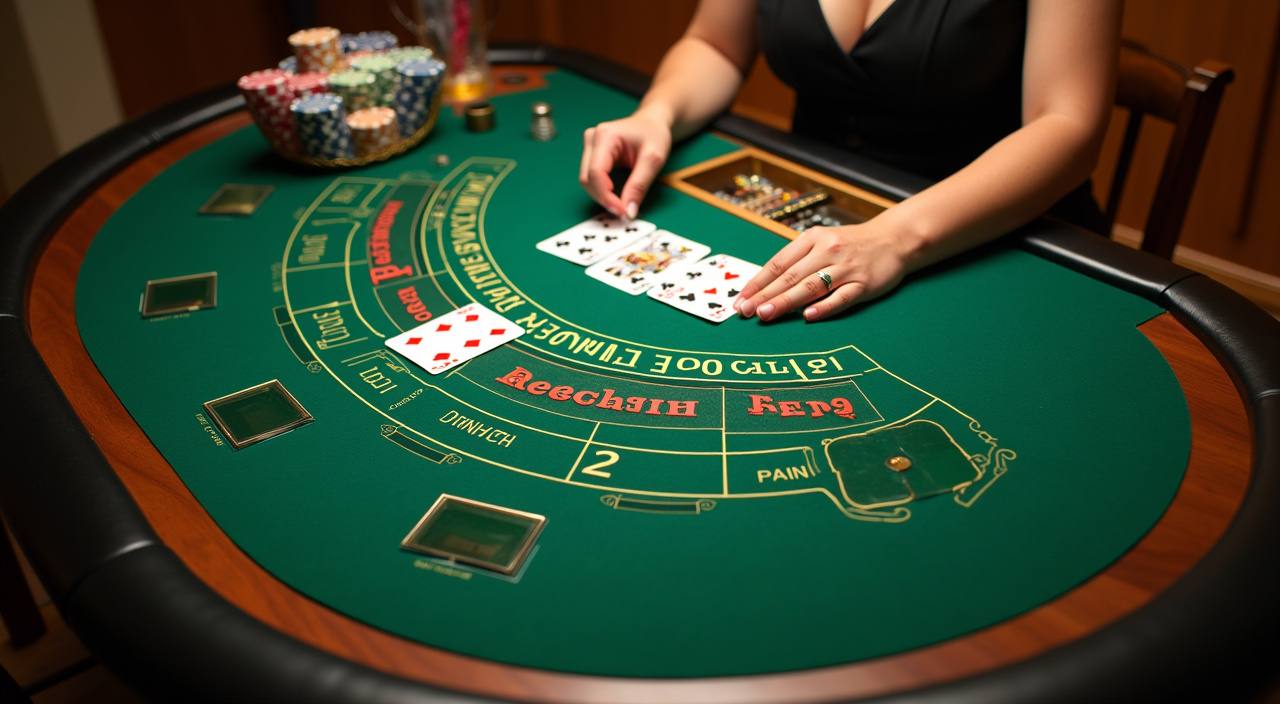

TABLE CHOICES

Pick The Live Format You Want

Different table styles suit different ways of following a round. We separate card-table choices from wheel games and place Dragon Tiger in its own category, so the screen…

Updated today
qqroyal Live Baccarat
CARD TABLE

Live Baccarat

Baccarat tables keep Player, Banker, and Tie positions visible beside the stream. We show the current betting panel before you enter, helping you confirm the familiar three-way layout and table pace without confusing it with blackjack decisions.

qqroyal Live Roulette
WHEEL TABLE

Live Roulette

Roulette presents its numbered wheel and betting grid together, with inside and outside positions shown on the table screen. You can check the layout before a round begins, then return to Live Dealer Lobby if you prefer another wheel-table view.

qqroyal Dragon Tiger
FAST FORMAT

Dragon Tiger

Dragon Tiger reduces the card choice to Dragon, Tiger, and Tie positions, making its table view easy to identify in the lobby. We keep it apart from baccarat because its round structure and visible betting areas are different.

Follow Each Live Table Round Clearly

Entry begins with the live-table category, then the individual table screen shows the stream, stake area, and available actions together.

Choose A Category

Start in baccarat, roulette, blackjack, or Dragon Tiger rather than entering a mixed list. This category step narrows the rules you need to consider and lets you compare table views that use the same underlying game structure.

Read The Table Panel

Each table screen pairs the live video with its betting positions and round state. Check that panel before choosing a stake, particularly when roulette positions or blackjack actions differ from the layout you used previously.

Place A Selection

Select the displayed betting position during the open betting period, then confirm the amount in the table controls. The screen closes selections for the live round, so follow the round marker instead of assuming a wager remains available.

Move Between Tables

After a round finishes, return to Live Dealer Lobby to browse another category or table view. This keeps baccarat choices separate from Dragon Tiger and avoids carrying one game's betting assumptions into another game's screen.

TABLE DETAILS

Check Live Table Access Details

Dealer games do not share one fixed return figure or one identical pace, because baccarat, roulette, blackjack, and Dragon Tiger each use their own rules and betting layouts.

01

Game Types

The lobby contains live baccarat, roulette, blackjack, and Dragon Tiger categories. Each category has a distinct stake layout and round sequence, so use the table page for the specific rules rather than treating all dealer games as one format.

02

Round Pace

Table pace varies with the dealer action and the game type. Baccarat and Dragon Tiger resolve card comparisons, roulette follows a wheel spin, and blackjack can include decision points that extend a round for the active hand.

03

Supported Screens

You can open the dealer-table area through a mobile browser or a computer browser after account access. The table layout adapts around the stream and betting controls, though the available screen space is naturally different on smaller phones.

04

Indonesia Access

Availability for live dealer categories in Indonesia depends on local law. Check the lobby after logging in to see what is available to your account, rather than relying on a category list seen outside the active table area.

PHONE TABLE VIEW

Keep Dealer Controls Close On Mobile

A phone view keeps the live stream, betting panel, and round marker within the same table screen, so you do not need to switch between unrelated pages during a baccarat…

Casino menu path
Visible round marker
Portrait table controls
Landscape stream view
qqroyal mobile gaming
Google Play App Store
TABLE HELP PATH

Get Answers When A Table Stalls

When a live table does not load or a round marker is unclear, start from the account help path closest to the casino menu.

Stream Not Loading If the dealer feed stays blank, return to Live Dealer Lobby and open the…
Round Status Question Use the visible open or closed round marker as the immediate reference for table…
Rule Display Help Baccarat, roulette, blackjack, and Dragon Tiger use different betting positions.
FAIR TABLE SIGNALS

Use Visible Rules And Table Signals

Fair play starts with seeing the game category, its betting positions, and its round state before you make a selection.

Separate Game Rules

We display individual table formats instead of applying one generic dealer-game rule set. This distinction matters because baccarat selections, roulette number positions, blackjack actions, and Dragon Tiger sides are not interchangeable between categories.

Visible Round State

The table interface indicates whether betting is open or closed for the current round. Use that live status as the reference point for an action, rather than estimating timing from the stream alone or carrying timing expectations from another table.

Dealer Stream Context

The dealer feed is displayed beside the game controls so you can follow the table action and the relevant betting area together. This paired view makes the live format distinct from automated games with no dealer screen.

Table-Specific Panels

Rule panels belong to the individual table screen, where the displayed options match the category you selected. Check them before entering a round, especially after moving from roulette to card-table formats with different layouts.

Account Verification

Clear phone verification happens before account access, which helps us connect the live-table area to your account state. Complete that step before troubleshooting entry, because an unfinished account path can prevent the lobby from opening.

Local Availability

Live Dealer Lobby availability in Indonesia depends on local law. The logged-in lobby is the relevant place to check your current access, since table categories may not appear the same for every account or location.

Choose Dealer Tables Over Other Rooms

Live Dealer Lobby is for table formats that show a dealer stream and a round-by-round betting panel.

Live Dealer Lobby
Choose this area when you want baccarat, roulette, blackjack, or Dragon Tiger with a dealer stream and table controls. The focus is on category selection, visible round timing, and game-specific betting positions rather than one standalone automated title.
Rocket Crash
Rocket Crash is a separate game page with its own round format and does not use a dealer-table stream. Head there when you want that title's screen; return to Live Dealer Lobby for card tables, wheel games, and dealer action.
Super Bingo
Super Bingo belongs to a different game room and uses a bingo-style screen rather than baccarat or roulette controls. Its page is useful when you want that format, while Live Dealer Lobby keeps table categories and rule panels together.
Fishing God
Fishing God uses a distinct game interface and is not part of the dealer-table categories. If you are looking for a live blackjack decision or a Dragon Tiger selection, use Live Dealer Lobby instead of the fishing-game page.
Dota 2
Dota 2 is separate from casino table categories and does not share the live dealer interface. The Live Dealer Lobby route is the relevant choice when you want a streamed baccarat, roulette, blackjack, or Dragon Tiger table.
Mobile App
The Mobile App page concerns the mobile account route, while Live Dealer Lobby is the destination for dealer games. After accessing your account on a phone, use the casino menu to open the live-table categories directly.
Casino Menu
The casino menu is the switching point between dealer tables and sibling game pages. Choose Live Dealer Lobby there to avoid entering Rocket Crash, Super Bingo, or Fishing God when your intended format is a streamed table game.
LIVE TABLE HIGHLIGHTS

Get Six Clear Dealer Table Cues

The useful details in a live-table lobby are the ones you can inspect before a round starts: game category, dealer feed, betting positions, table status, rules, and screen…

Baccarat Positions Player, Banker, and Tie selections are the core visible positions…
Roulette Grid Roulette uses a number grid with inside and outside positions…
Blackjack Actions Blackjack table screens can present actions such as hit, stand…
Dragon Tiger Sides Dragon Tiger shows Dragon, Tiger, and Tie as its core…
Live Round Marker The round marker indicates when table selections are available and…
Mobile Layout On a phone, the stream and table controls share one…

Answers Before You Enter Live Tables

These answers focus on the practical steps and table formats you see in Live Dealer Lobby. We explain where the lobby sits, how its live rounds differ from other game pages, and what to check before selecting a table. Your verified account is the starting point for the casino menu, while the individual table screen is the place to confirm rules and active round status. Availability in Indonesia depends on local law.

qqroyal Live Dealer Lobby is the casino area for streamed baccarat, roulette, blackjack, and Dragon Tiger tables. You choose a category, open an available table, and view its dealer feed, betting positions, and current round state on the same screen.

Complete phone verification, access your account, then use the casino menu to select Live Dealer Lobby. From there, choose baccarat, roulette, blackjack, or Dragon Tiger and inspect the displayed table panel before entering a live round.

The lobby includes live baccarat, roulette, blackjack, and Dragon Tiger categories. Each one has a different visible layout: baccarat shows Player, Banker, and Tie; roulette uses a numbered grid; blackjack uses card decisions; Dragon Tiger compares two sides.

Yes, you can access the Live Dealer Lobby through a mobile browser after account access. The table screen keeps the dealer stream, round marker, and betting controls together; landscape orientation can give roulette and blackjack layouts more room.

A live table closes selections while the dealer completes the current round. Check the on-screen round marker rather than estimating from the video feed. When the next open period appears, the table controls show the available positions again.

Live Dealer Lobby uses streamed dealer tables with baccarat, roulette, blackjack, and Dragon Tiger rule sets. Rocket Crash is a separate title with its own game screen and round format, so it does not use the dealer feed or table-position layouts.

Live Dealer Lobby availability in Indonesia depends on local law. After you log in, check the casino menu and displayed table categories for your account. If a table fails to appear, use the account help path with the category and device details.